
Combining Withings and manual body measurements
Automate weight and vital markers, add circumferences manually and keep one useful timeline.
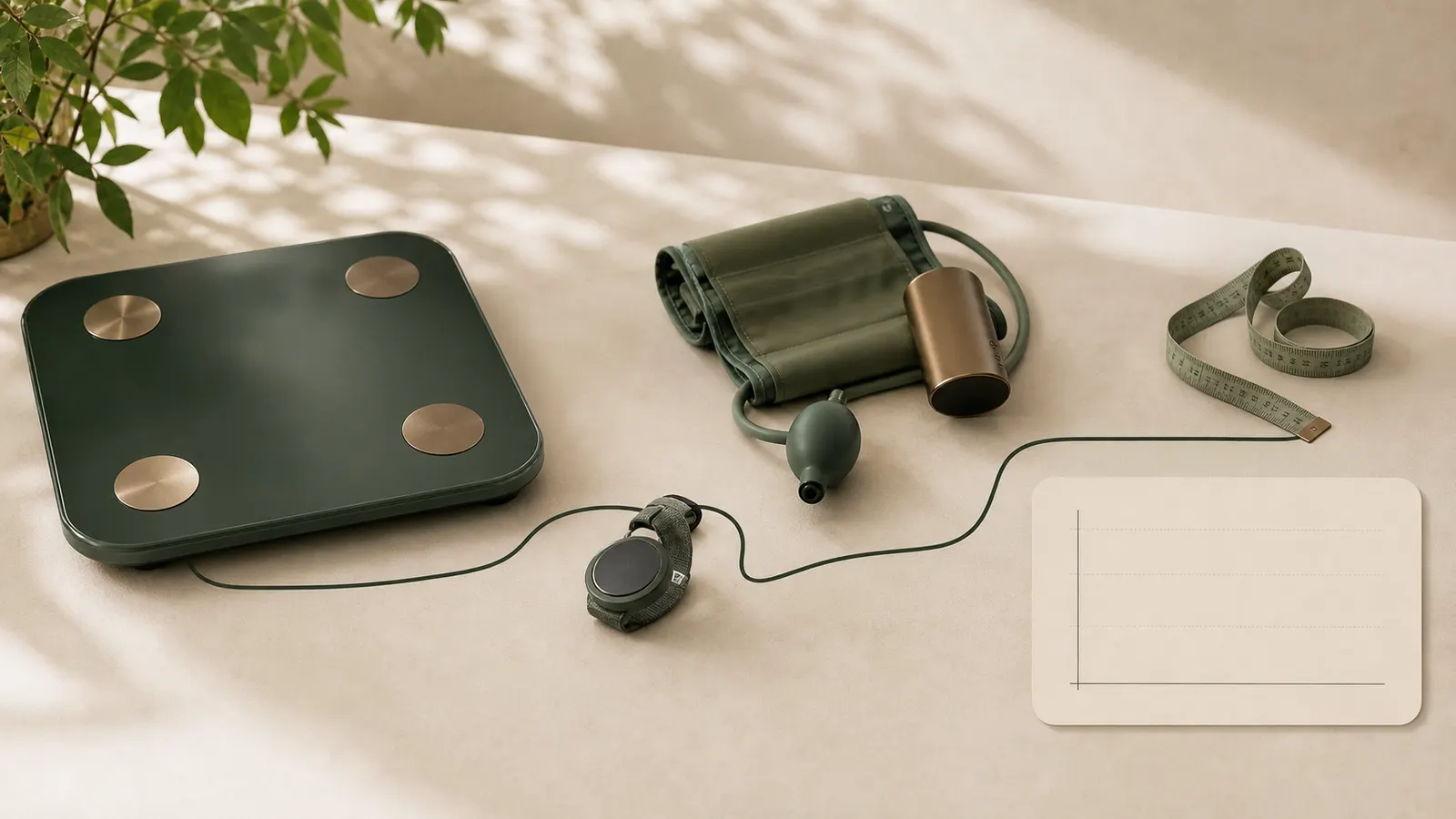
Automate what devices measure well
A connected Withings scale can import weight and estimated body composition. Other devices may provide heart rate, blood pressure or oxygen saturation.
Automatic import reduces data entry and supports regular trends. Still verify that date, person and device are correctly connected.
Measure circumferences deliberately
Waist, abdomen, chest, hip, thigh, arm and shoulder still require a tape and a consistent technique.
Add them on the same measurement date or as a separate session. VitalGraph can combine values by date without overwriting historical data.
One timeline, multiple sources
The source matters less than consistent meaning and units. Kilograms, centimetres, beats per minute and millimetres of mercury must be stored and displayed correctly.
Read automatic and manual signals together. A weight plateau becomes easier to understand when circumference, body fat or strength is changing.
Source, time zone and identity
A reliable import begins with three checks: does the device belong to the right person, was time converted correctly and is the unit known? Travel and daylight-saving changes can place a reading on another calendar day. Preserve source time, time zone and external identifier where possible.
One connected account may contain several devices or family members. Do not match only by name or latest value. An explicit link between the VitalGraph profile and source user reduces the risk of measurements reaching the wrong person.
Merging without overwriting
Use a stable external measurement ID to recognise an existing import. If it already exists, no duplicate session is needed. When values overlap on the same date, preserve a manually entered value unless the user deliberately chooses replacement. That is safer than assuming the newest source is always correct.
Two valid readings on one day may coexist. Morning and evening weight are not the same data point. Preserve time and source, then use a consistent daily reading or average for trends if desired. Do not delete raw history merely to simplify a chart.
Checking a large historical import
Verify count, earliest and latest date, units, impossible outliers and duplicate external IDs. Compare a sample of dates against the source app. An “import successful” message proves that the mechanism ran, not that meaning, identity and completeness are correct.
Make corrections traceable. Record when the import ran, which source and period it covered, and how many values were added, skipped or rejected. A later anomaly can then be investigated without reconstructing the entire history from memory.